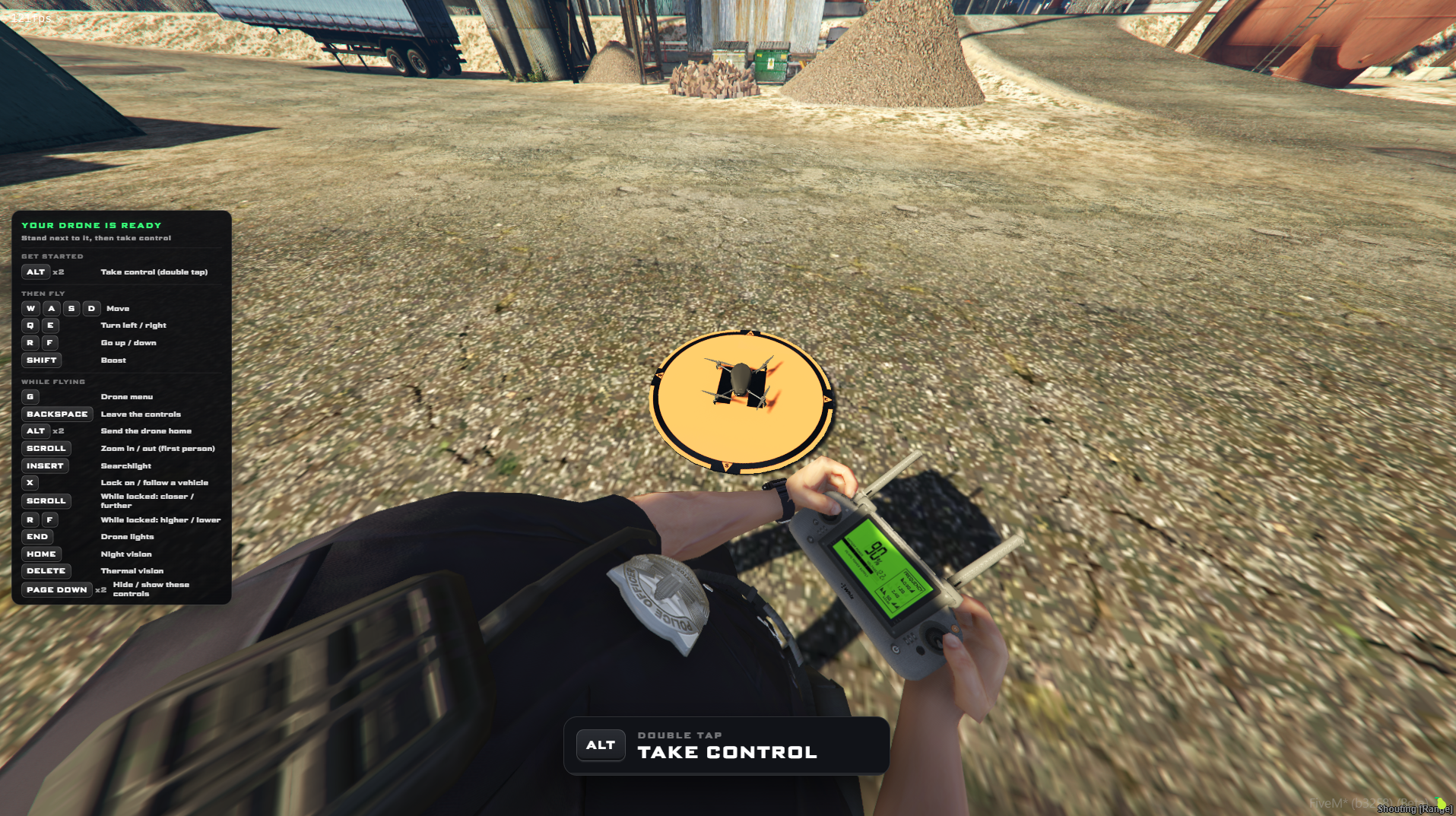
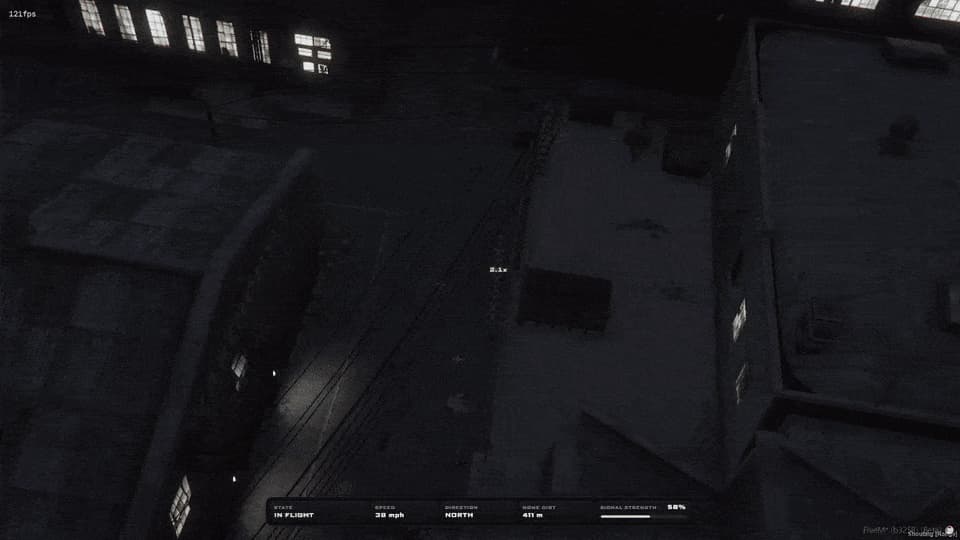
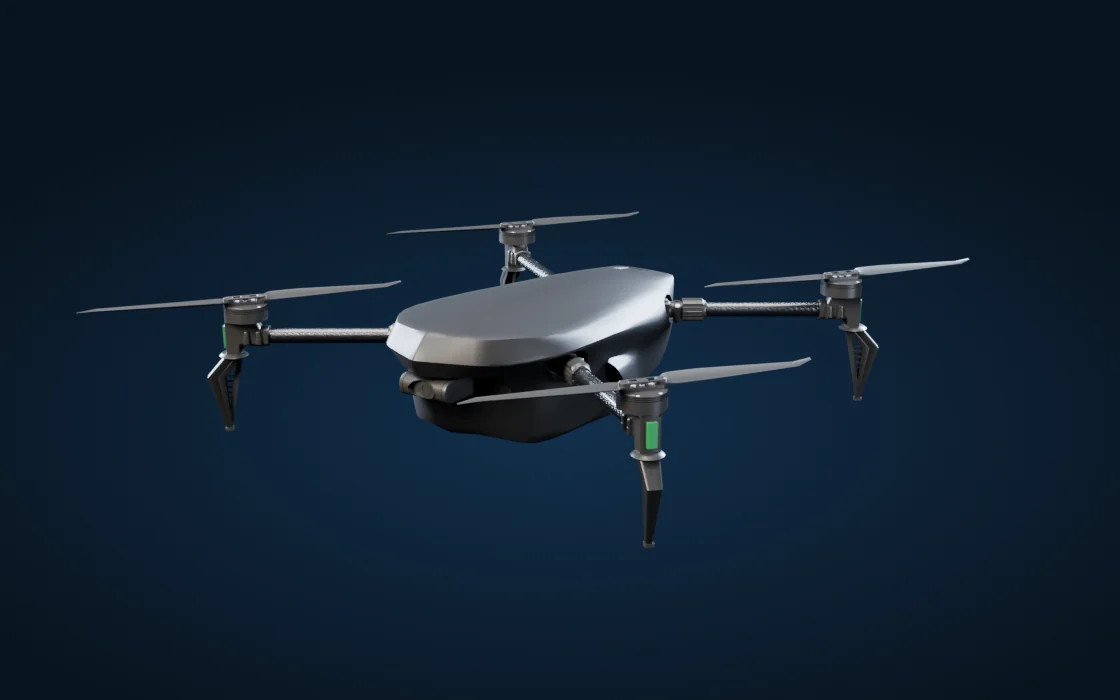
Smart Drone v3 is a full aerial operations system for your server. Deploy one of two detailed drones from a tablet, fly it with a realistic flight model, lock onto a vehicle or person and let the drone follow them, or hand the camera to a second player who watches the live feed while you fly.
Search light, thermal imaging and night vision sit alongside a live map, image capture, lock-on and return-to-home, giving police and fire teams a controlled way to work from above.
what it does
The headline features, each shown in game. Every one is in the resource today.
New in v2
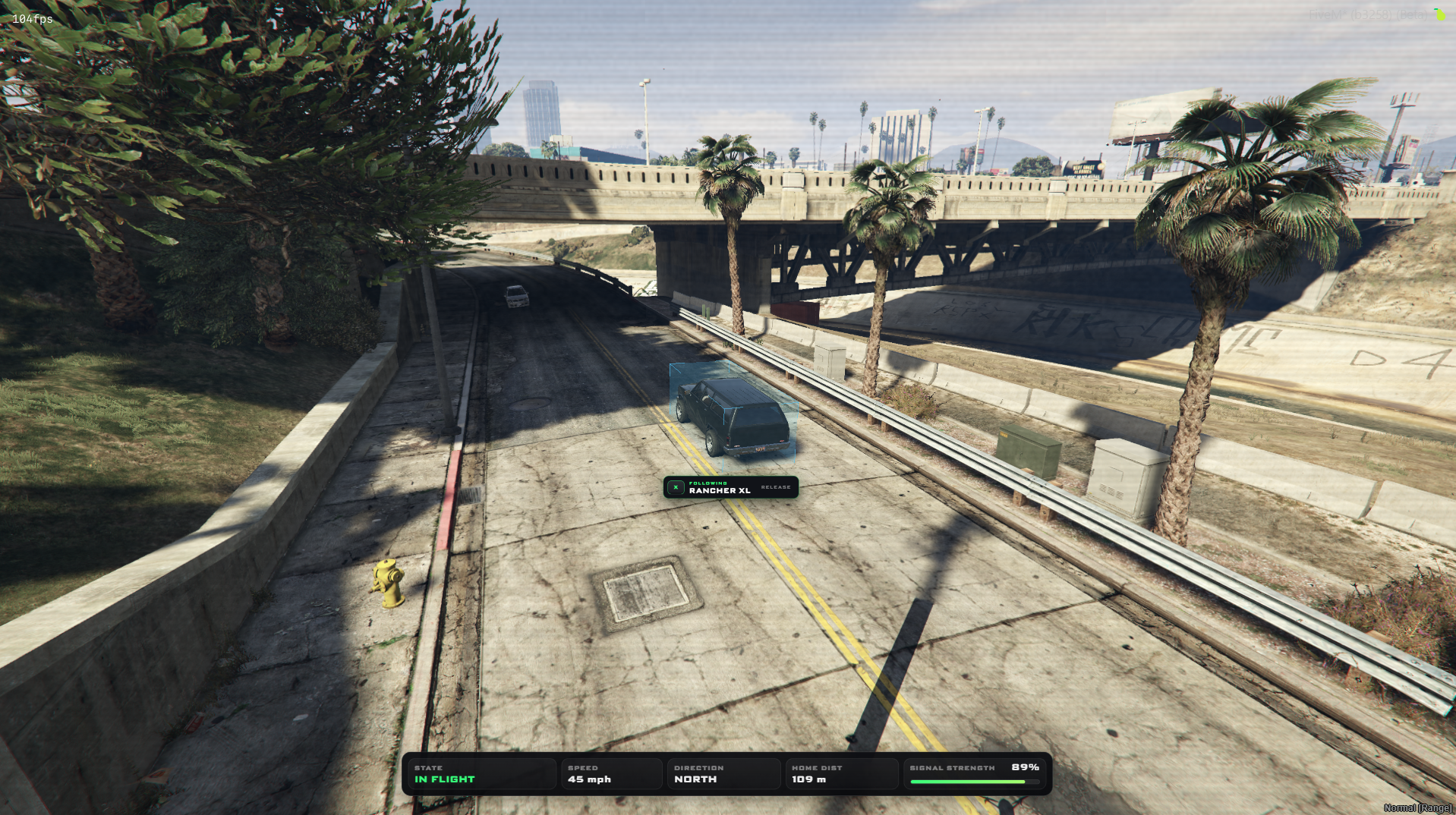
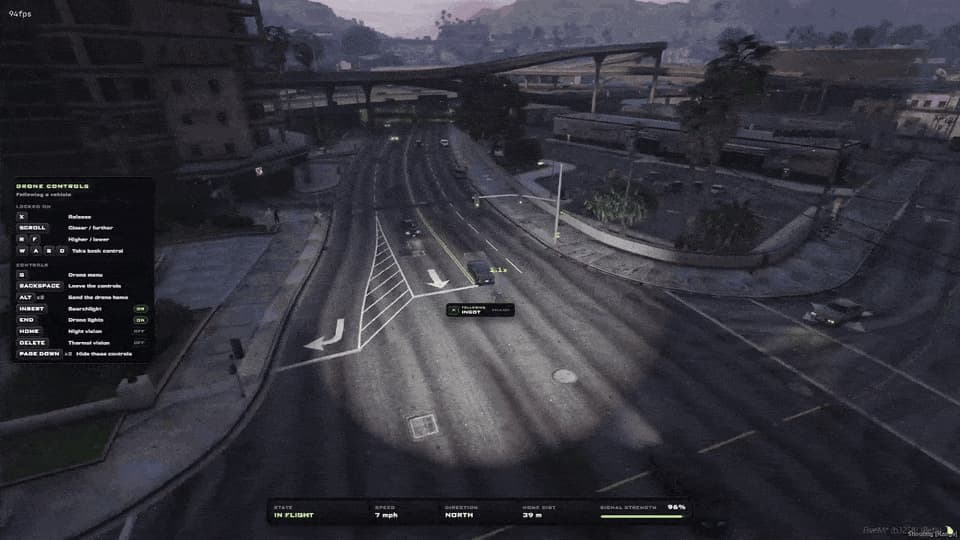
Vehicle lock-on & follow
Aim at any vehicle within 250 m and press X. The drone takes over the chase, tailing it from behind and above with the camera fixed on the target, so you can call it in.
Follows at up to 55 m/s (≈123 mph)
Ducks under tunnels, bridges and gantries, and steers around buildings and trees
Scroll to set the distance (up to 60 m), hold R / F for the height (2.5 to 40 m)
Tap X again, or touch any flying key, to take back control
Keys
X
Scroll
R / F
Camera
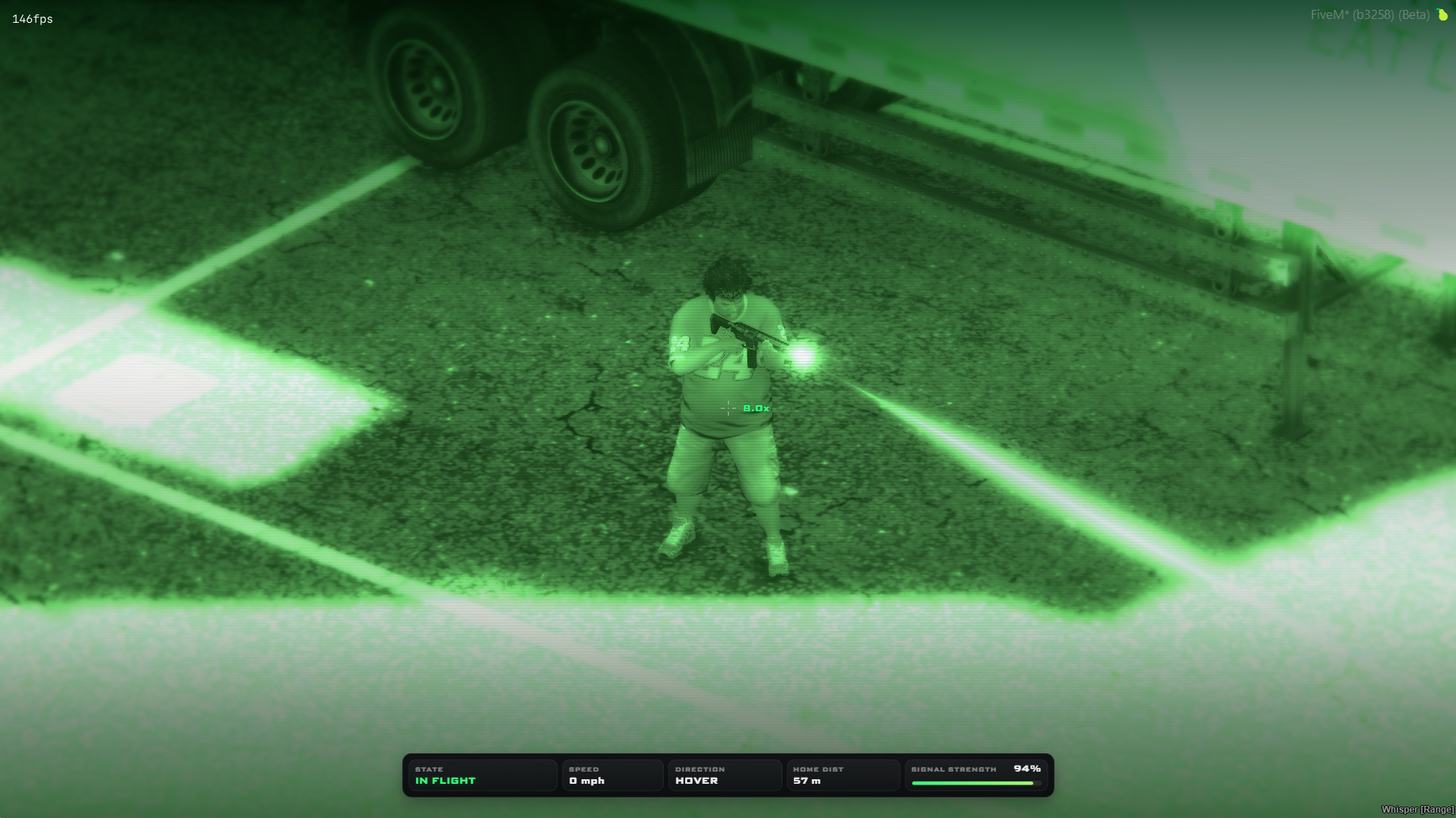
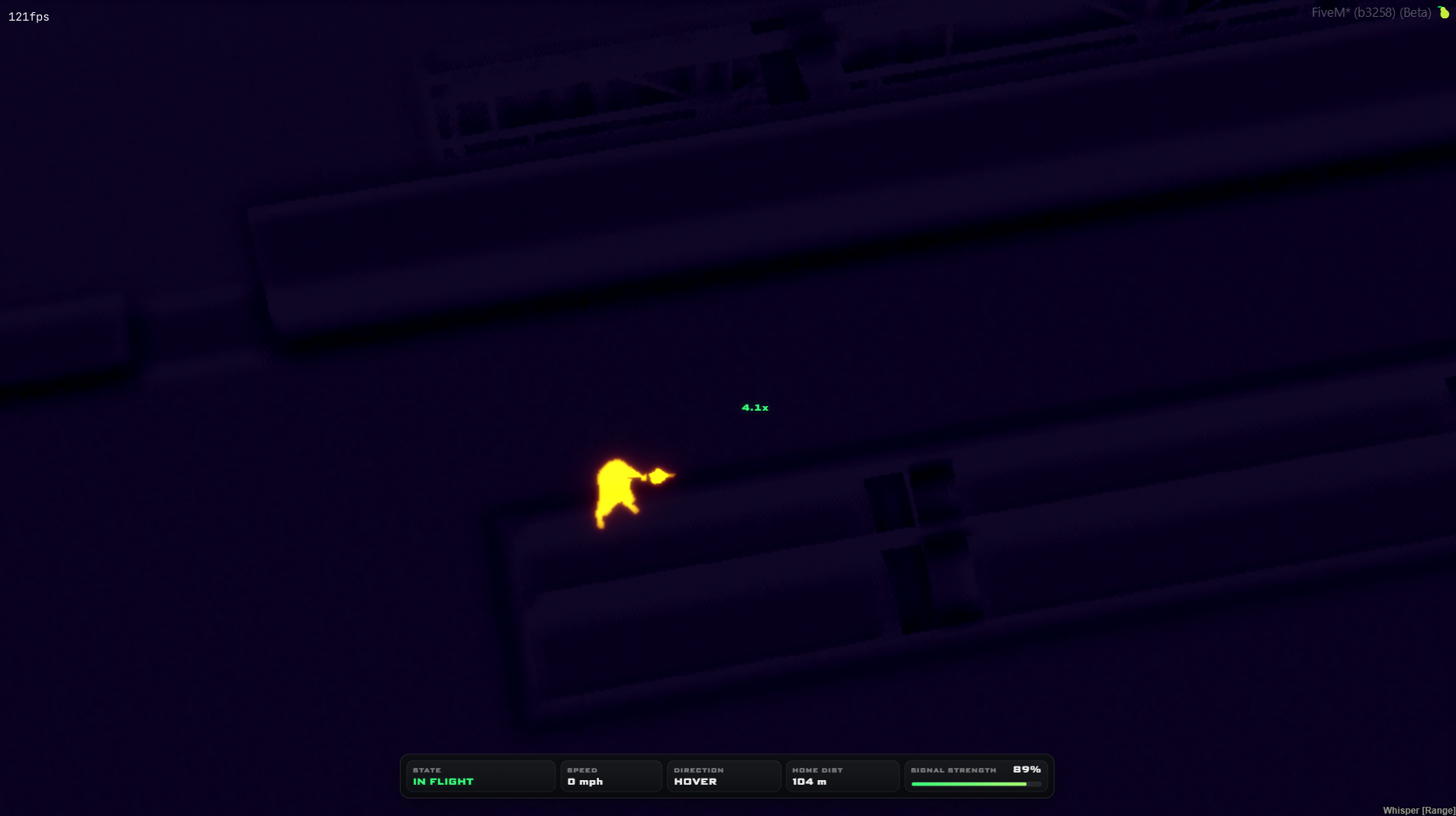
Thermal & night vision
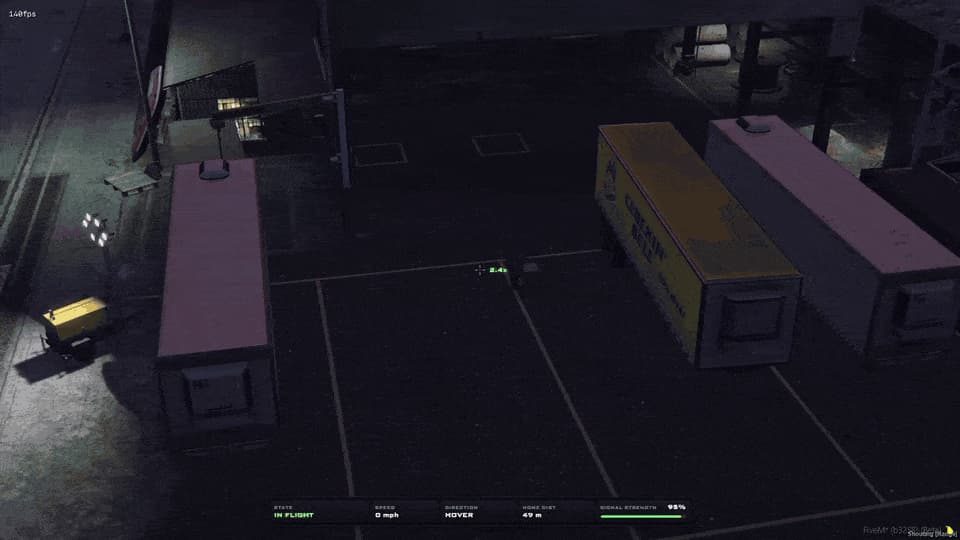
Switch the drone camera to thermal imaging or night vision with a single key. A suspect hiding in the dark lights up the moment thermal comes on.
Thermal imaging on Delete, night vision on Home
Tap the same key again to go back to the normal camera
Pair it with the searchlight for night searches
Either mode can be switched off in config.lua
Keys
Delete
Home
New in v2
Camera operator & tablet
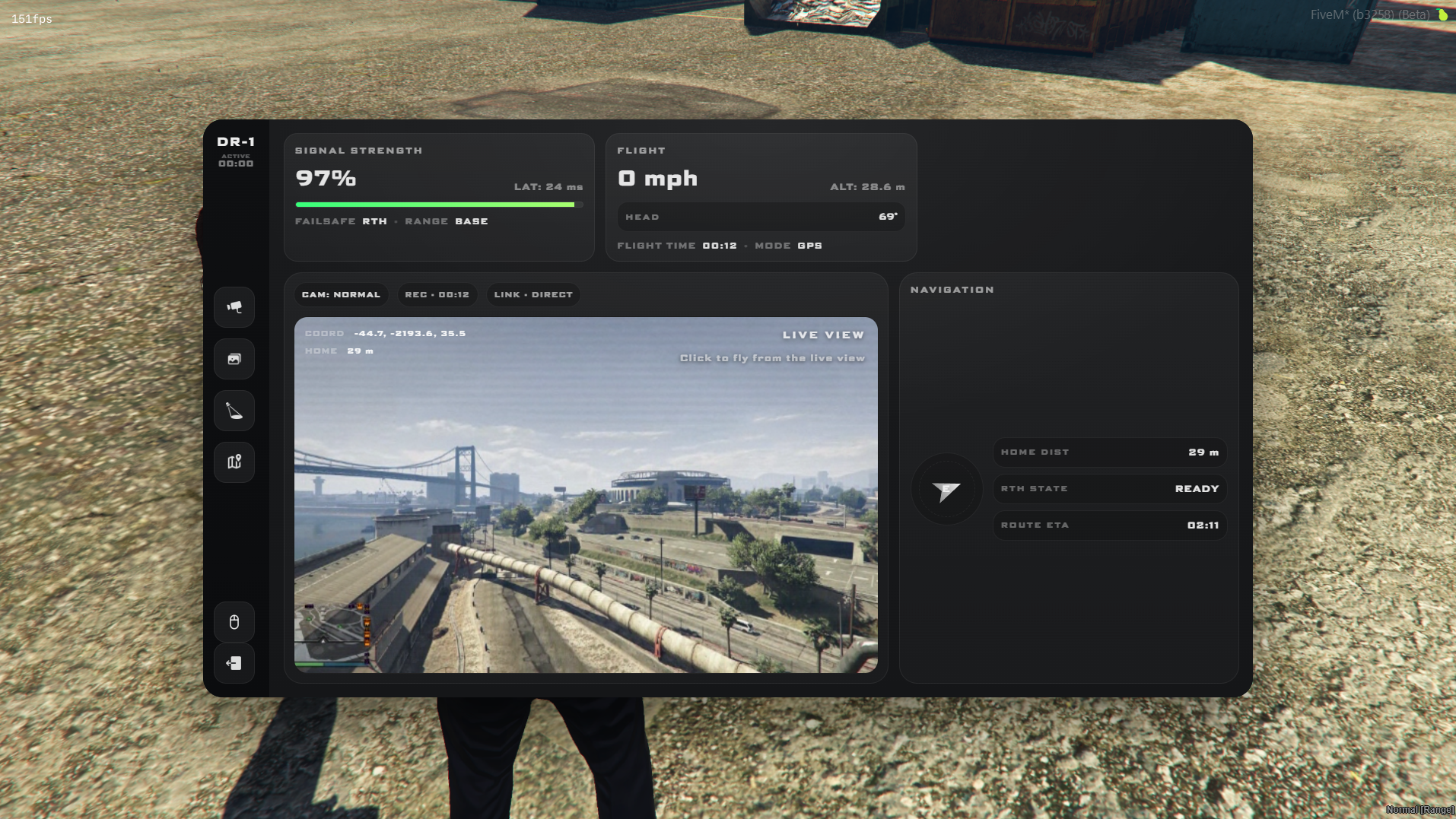
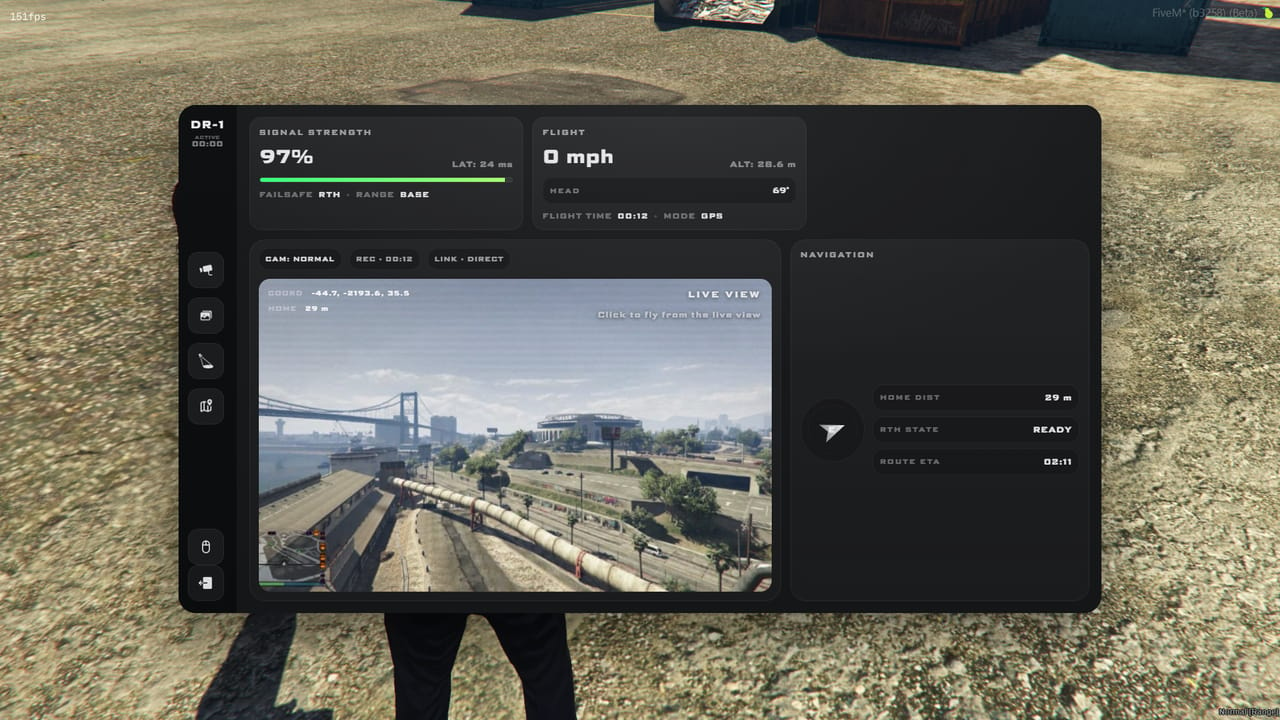
Press G for the drone tablet: live camera view, signal, flight data and navigation in one place. A second player can walk up to the pilot and take the camera, so one flies while the other runs the shot.
An independent gimbal camera for the operator, with a 22° to 85° zoom
Press Enter for photos, saved to a synced gallery and tagged with the street name
Aim the searchlight and set the pilot's GPS from the tablet map
Signal, latency, speed, height, home distance and return-home status at a glance
Keys
G
Enter
Safety
Return home, range & no-fly zones
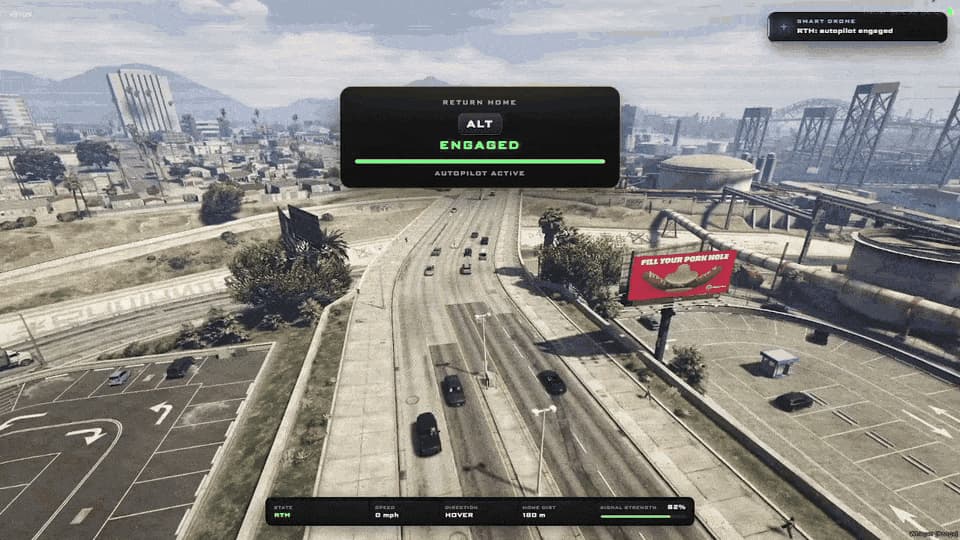
Double-tap Alt and the drone flies itself home: it climbs clear of the terrain, cruises back and lands on its pad in stages. Fly up to 1,000 m from where you took control, and further with a range extender.
1,000 m of range, +833 m with the range-extender antenna
A warning as the signal fades, and an automatic return if you push past it
Return home climbs to a terrain-safe height, cruises back and lands on the pad in stages
No-fly zones freeze the drone with a warning and show on the tablet map
Keys
Alt ×2
Lights
Searchlight
Light up a scene from above with a searchlight every nearby player sees. Sweep the rooftops, then switch colour for a police or fire response.
Insert for the searchlight, Page Up to cycle white, blue and red
Set the distance, width and brightness on the tablet; it comes on by itself at night
The beam follows wherever the camera points
Drone lights add a green flash or a white double strobe, synced for everyone, on End
Keys
Insert
Page Up
resource features
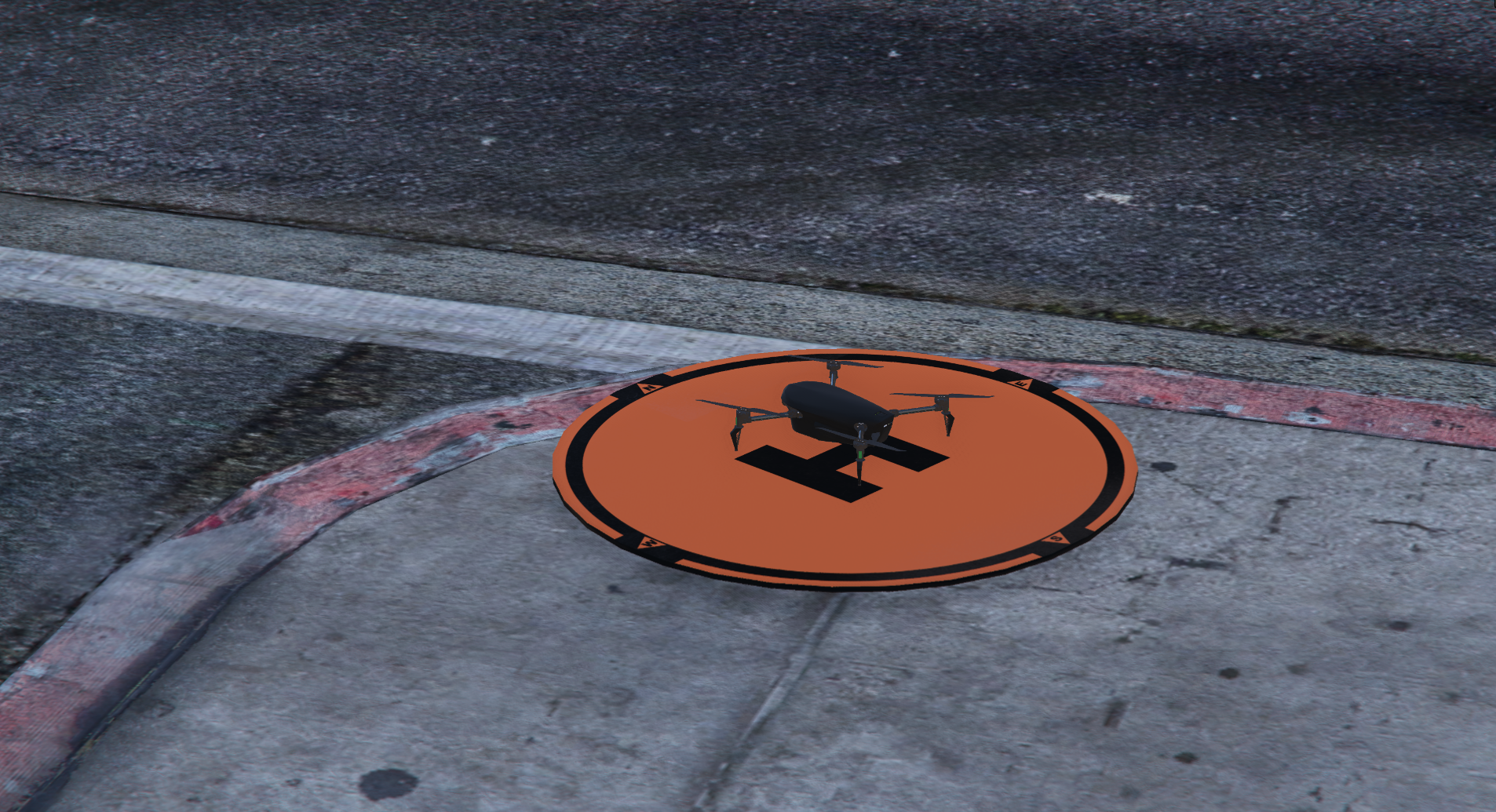
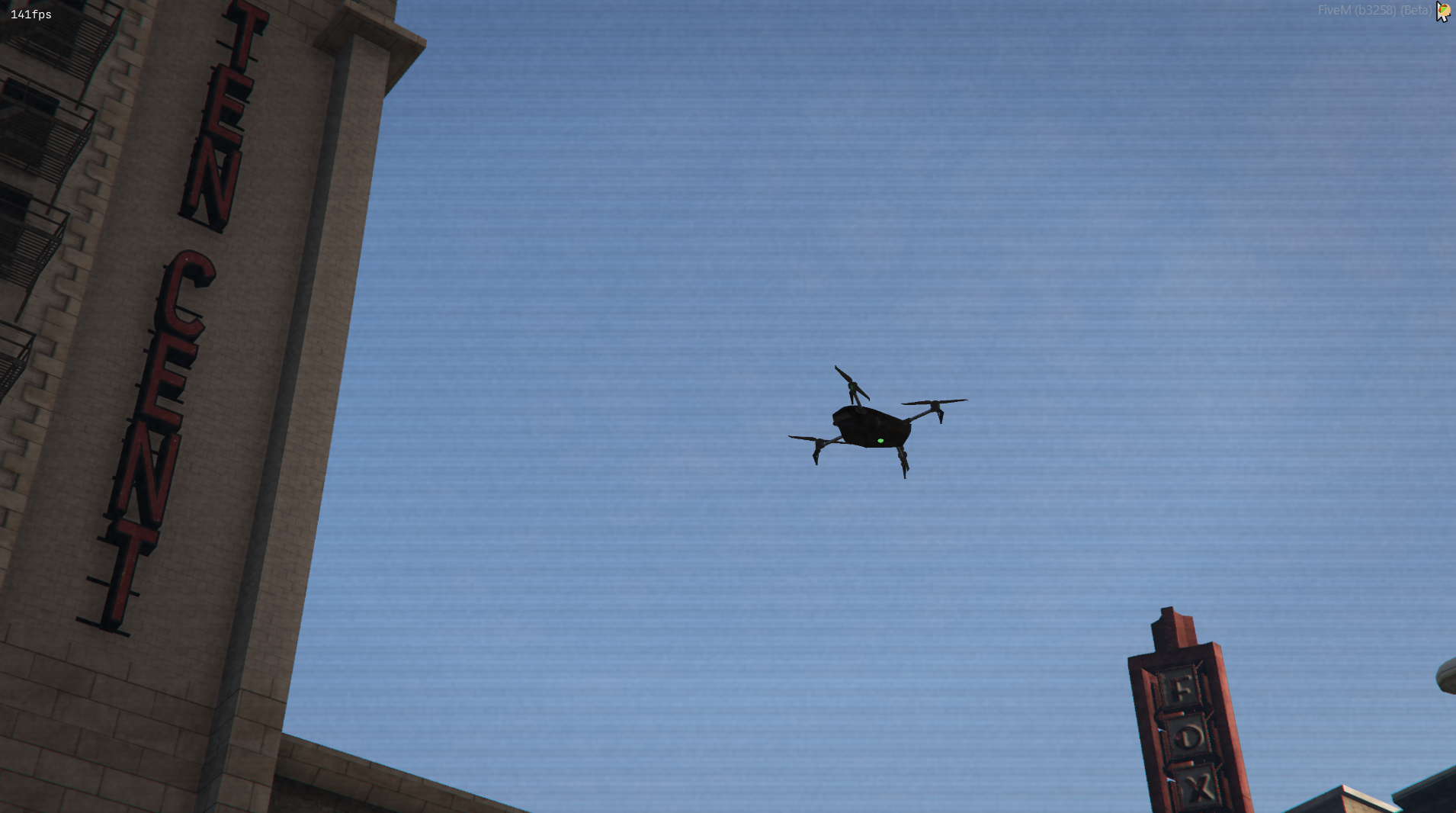
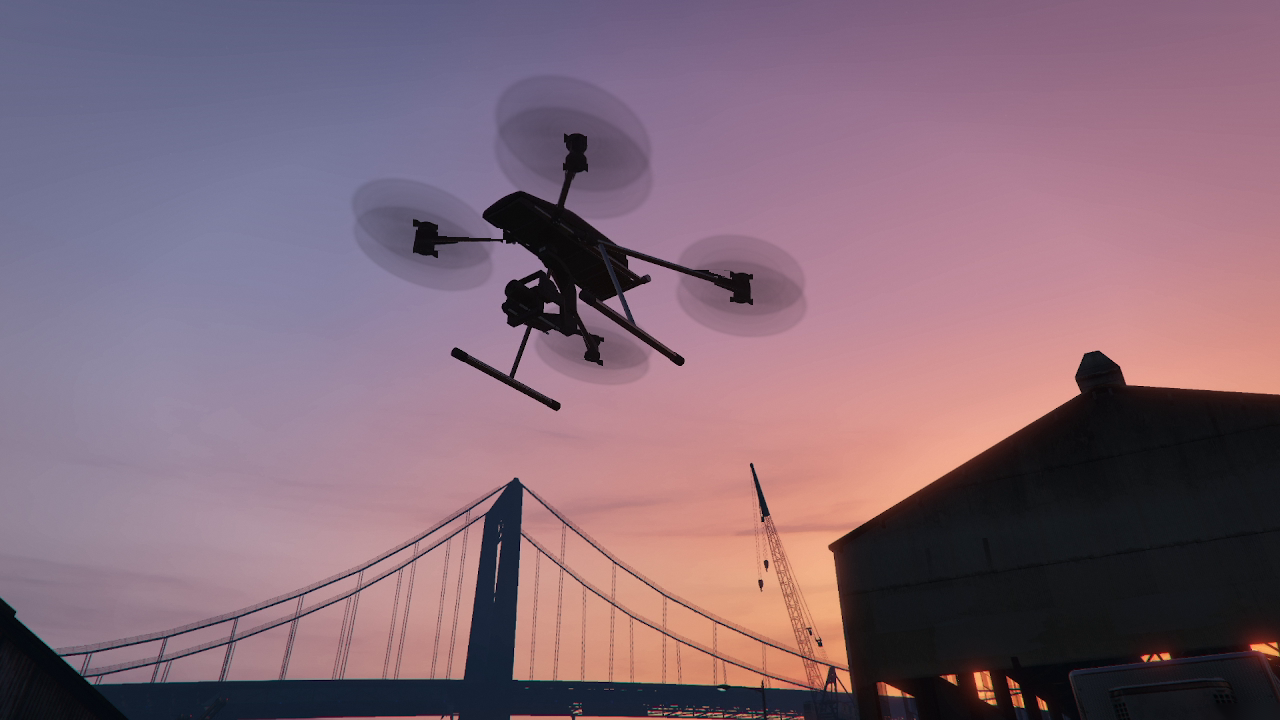
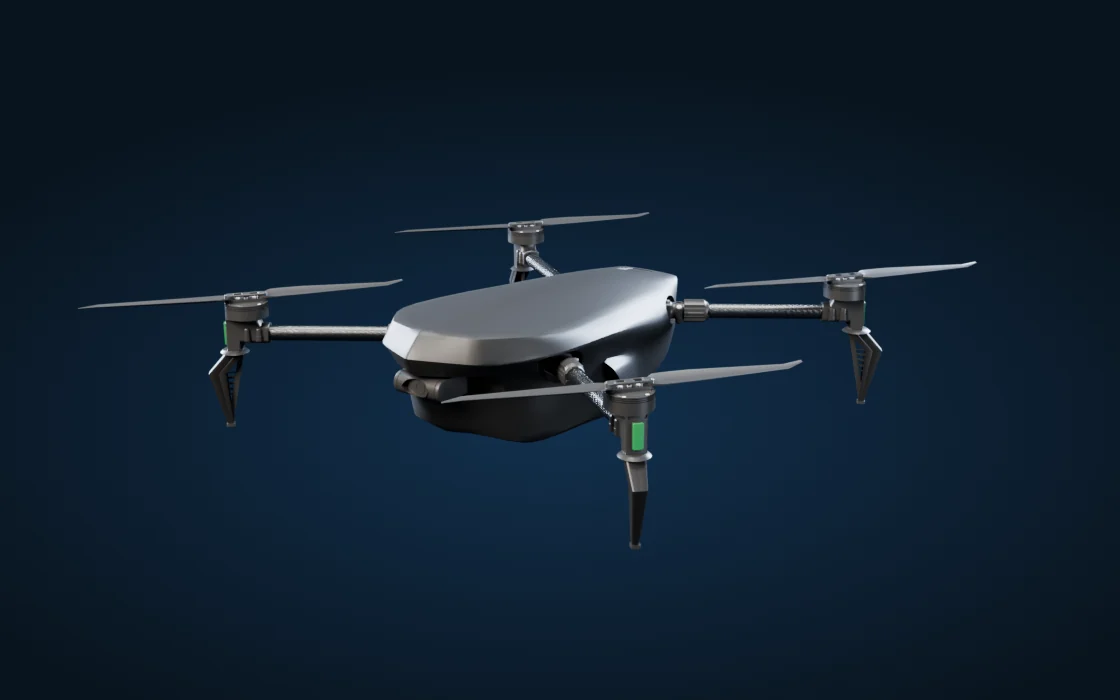
Two Drone ModelsTwo detailed drones with high-resolution textures, reflections, spinning rotors and flight audio that changes from launch through cruise.
Realistic Flight ModelThe drone leans into acceleration, banks through turns and carves round bends at speed, with a boost for getting on scene fast.
Vehicle & Person Lock-OnLook at a vehicle, player or NPC, lock on, and the drone follows them automatically. It avoids buildings, trees and overhead signs and ducks through tunnels. If a suspect gets into a car, the lock moves to the car.
Camera OperatorA second player can run the camera and menu while someone else flies, with the pilot's live drone camera on their tablet.
Tablet & Live MapSignal, speed, altitude, heading and a live event log, plus a map with live drone tracking, waypoints, captures and no-fly zones.
Image CaptureTake stills from the operator camera, review them in the image library, and open each shot on the map.
Search Light & Drone LightsAn adjustable search light, plus flashing anti-collision lights that keep the drone visible at night.
Thermal Imaging & Night VisionBuilt-in tools for detecting heat and working in low light.
Range ExtendersPlace an antenna, or park a configured vehicle near the base, to extend how far the drone can fly.
Return to HomeThe drone flies home on its own when called or when the signal drops, with assisted landing at the home point.
No Fly ZonesRestricted areas appear on the map, with warnings and flight disruption when a drone enters them.
Permission SupportAce Permissions, QBCore, ESX, QBX and vRP, with inventory item support included.
two new airframes
Pick the drone that suits your server. Both fly the same, sound the same and carry every v2 feature.